How to Sync a Finalized SetSale Quote to ServiceTitan
Automatically sync finalized SetSale quotes to ServiceTitan as estimates so customer approvals flow directly to your office software without manual re-entry
When a customer signs a quote in SetSale, you want that information to flow back to your office software without double-entry. Here's how the ServiceTitan sync works.
How It Works
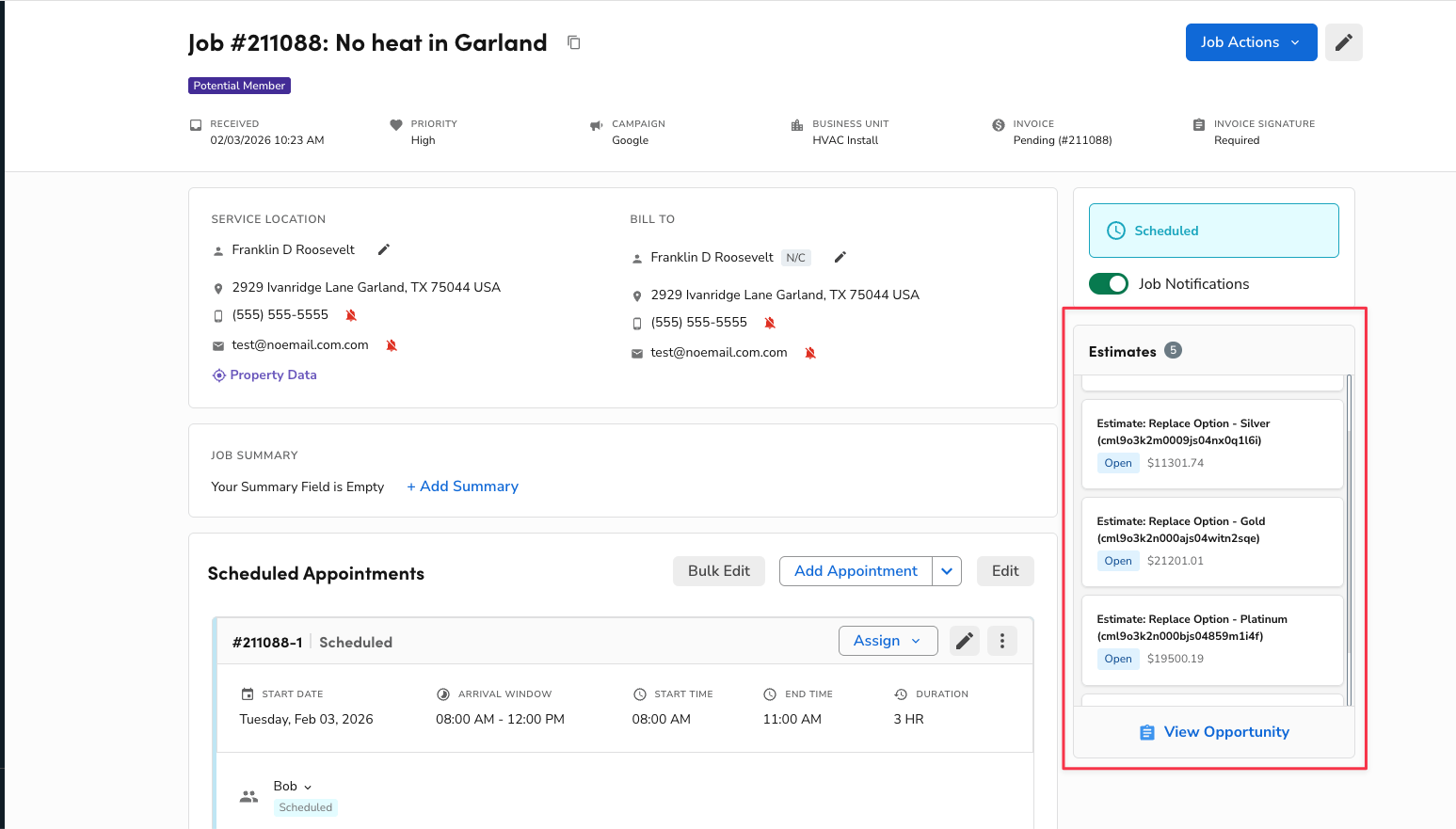
SetSale syncs quotes to ServiceTitan as estimates on the associated job. Here's the full flow:
-
All options sync automatically. Every tier option you present in SetSale creates a corresponding "Open" estimate in ServiceTitan.
-
Customer signs a tier. When the homeowner approves a specific option, SetSale marks that estimate as Sold in ServiceTitan.
Setting Up GL Accounts
If your company has strict accounting requirements, you can map SetSale's sync to your General Ledger accounts.
-
Go to Settings > Integrations > ServiceTitan.
-
Configure your Income and Cost of Sale (Expense) accounts.
-
This prevents sync errors for companies with specific GL requirements.
What Gets Synced
The estimate in ServiceTitan includes:
-
Equipment line items (created in the SetSale Equipment & Services category)
-
Materials (placed in the SetSale Materials category)
-
Services (labor, diagnostics, etc.)
-
Discounts (if Sync Discounts is enabled)