How to Print a Quote for a Homeowner Without Email
Print or text a quote to homeowners without email so they can review and sign it in person or on their phone
Not every homeowner has an email address, and that's okay. SetSale lets you save any quote as a PDF so you can print it and hand it over in person. If the homeowner has a smartphone, you can also text them the quote so they can review and sign it digitally.
Option 1: Print the Quote as a PDF
Step 1: Build the quote
- Create the quote as you normally would.
- Review and edit each tier so the equipment, pricing, and upgrades are exactly how you want the homeowner to see them.
Step 2: Open the presentation view
- Click Present.
- You'll land on the options page that shows all of the homeowner's options side by side.
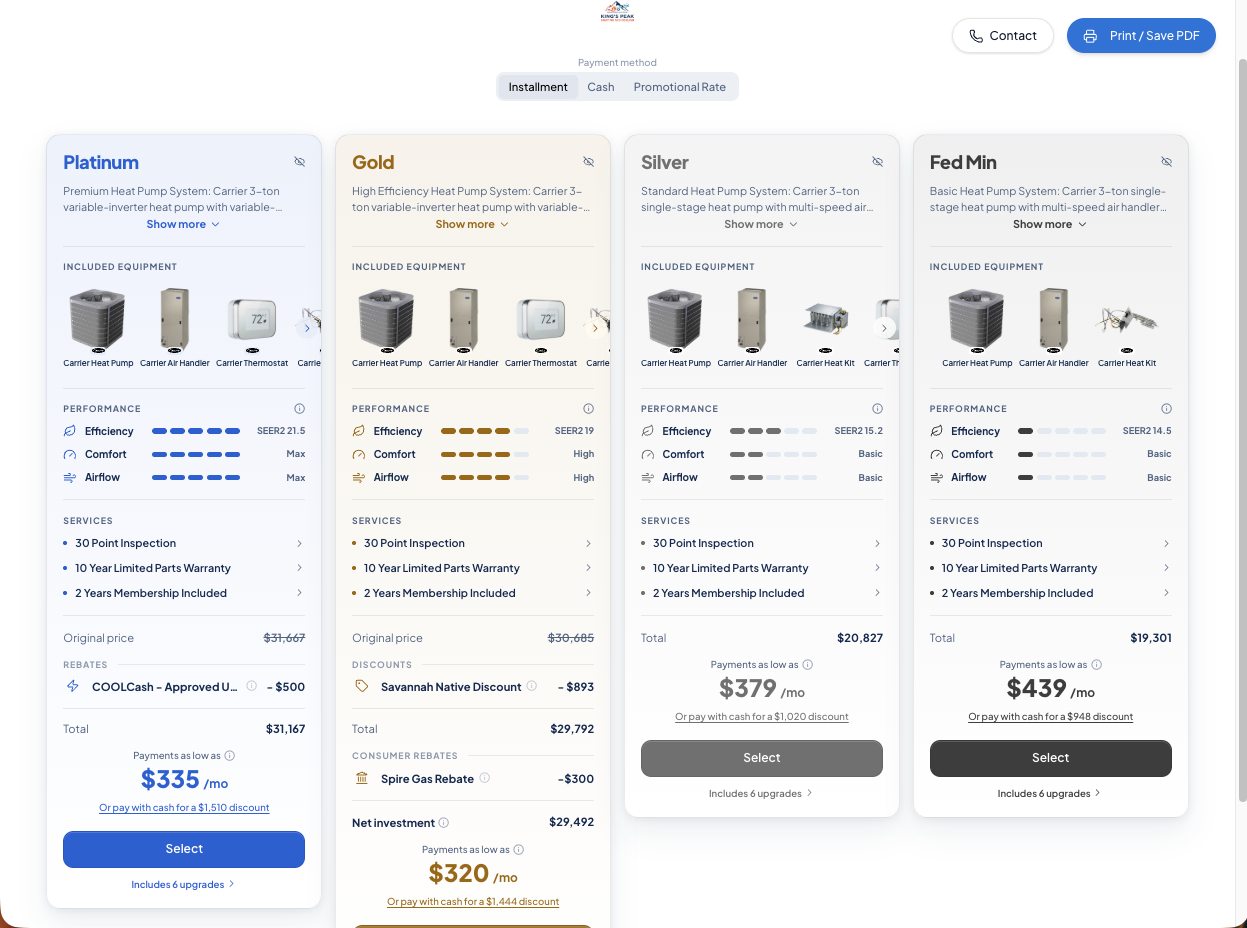
Step 3: Save or print the PDF
- Click Print/Save PDF in the top right corner.
- SetSale generates a PDF of the options page you were just viewing.
- Print it, or save it to your device to print later.
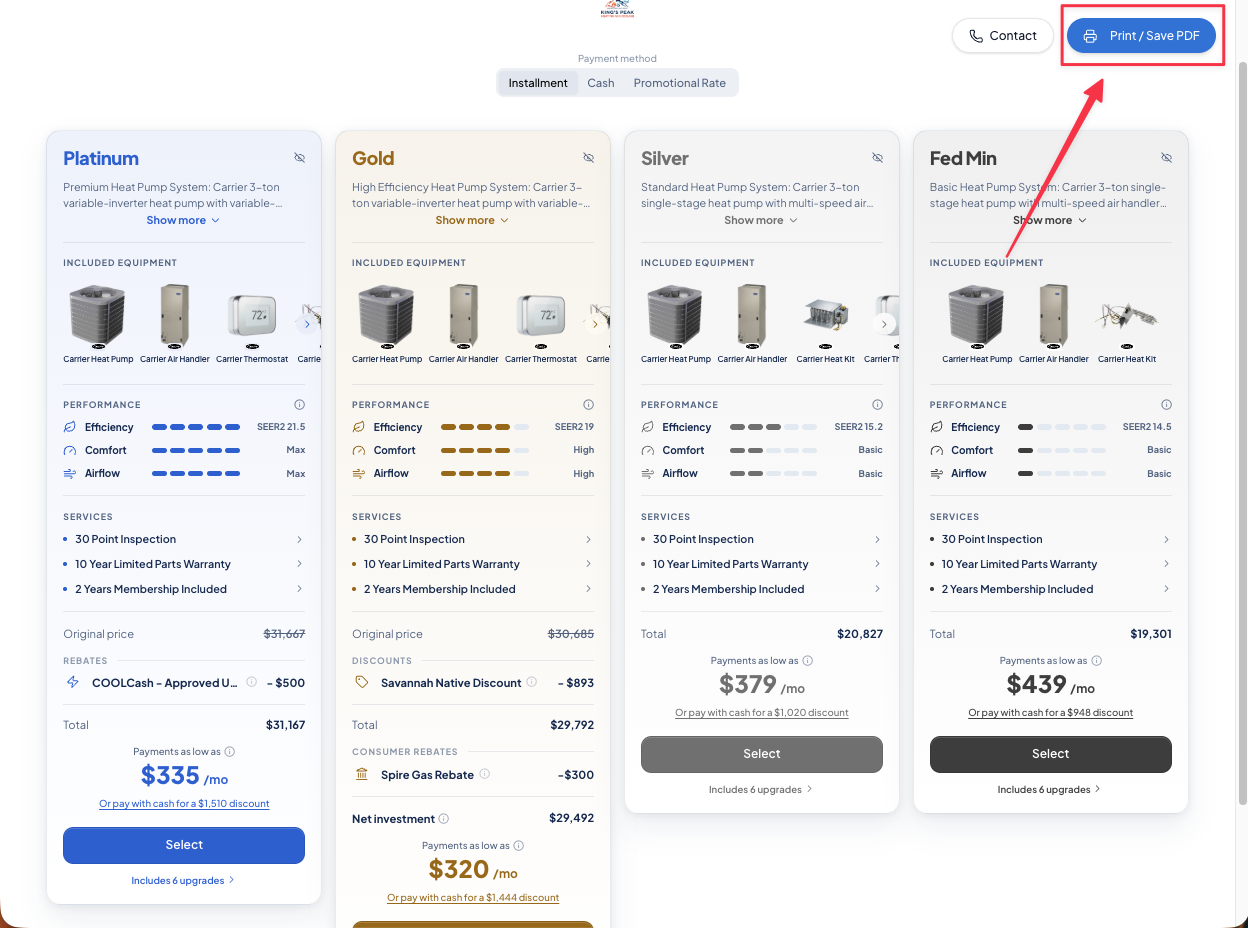
What's Included in the PDF
The PDF captures the quote exactly as it was presented, including:
- Every option shown on the options page
- Any upgrades you added to each tier
- Monthly payment summary, if installment plans are selected
- Cash price, if cash pricing is shown
Option 2: Text the Quote to the Homeowner's Phone
No email doesn't always mean no digital access. If the homeowner has a smartphone, you can text them a link to the quote instead.
From their phone, the homeowner can:
- Open and review all of their options
- Choose the option they want
- Sign the quote digitally
This is usually the faster route, since the homeowner can sign right away and you get an instant record of the sale. For steps on sending by text, see How to Share a Quote or Presentation with a Client.