Adding or Changing Company Information
Update your company name, email, phone, and website so customers see your correct information on quotes
PWritten by Parker McNallyUpdated September 16, 2026
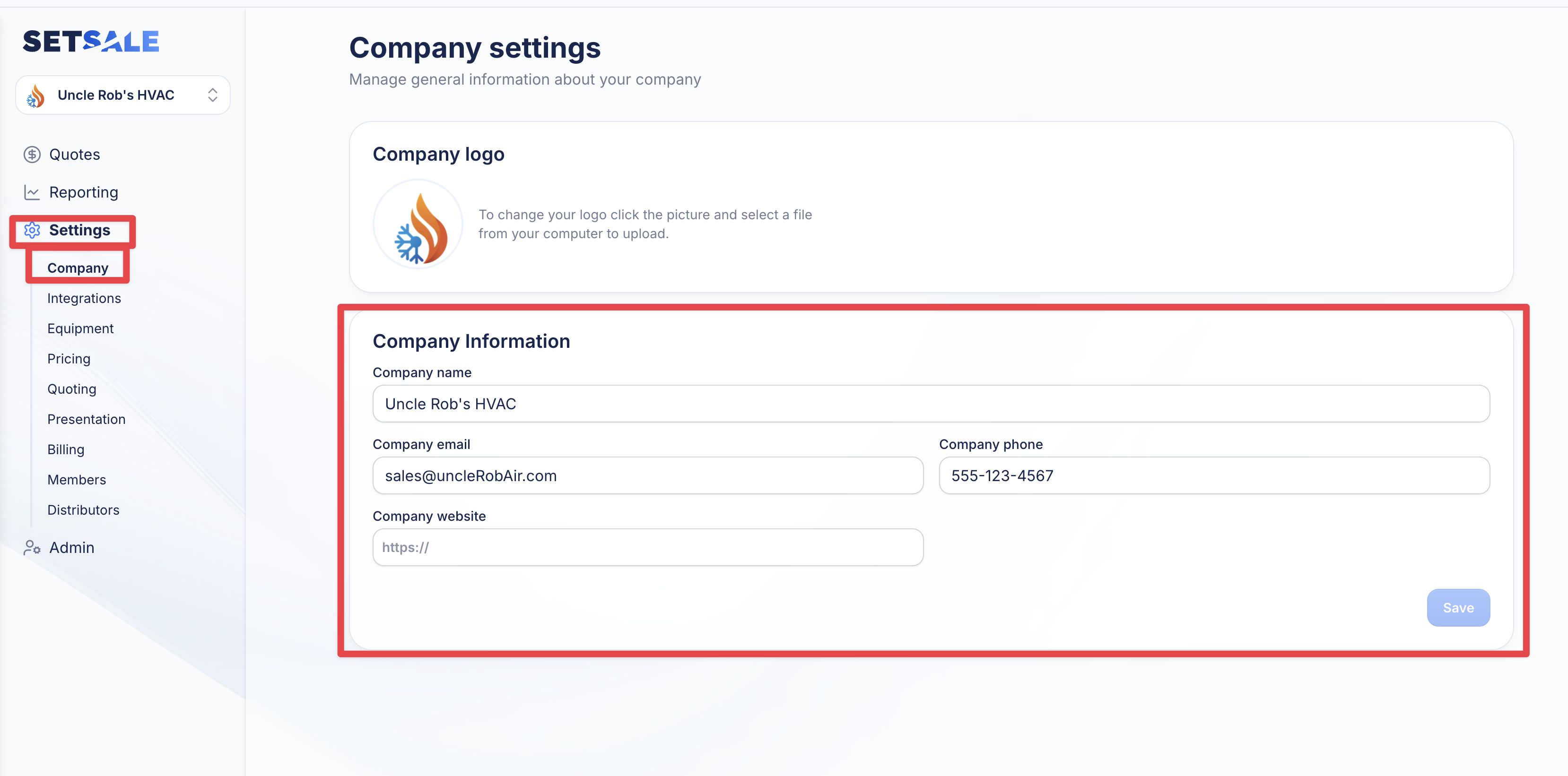
- Click on the “Settings” tab in the navigation menu
- Select the sub-tab "Company"
- Click and edit the text in Company Name, Company Email, Company Phone, and Company Website. What you input will be displayed on quotes delivered to your customers.
- Click “Save” in the bottom right corner to save your settings