Adding or Changing Your Company Logo
AWritten by Adrian LucasUpdated October 7, 2026
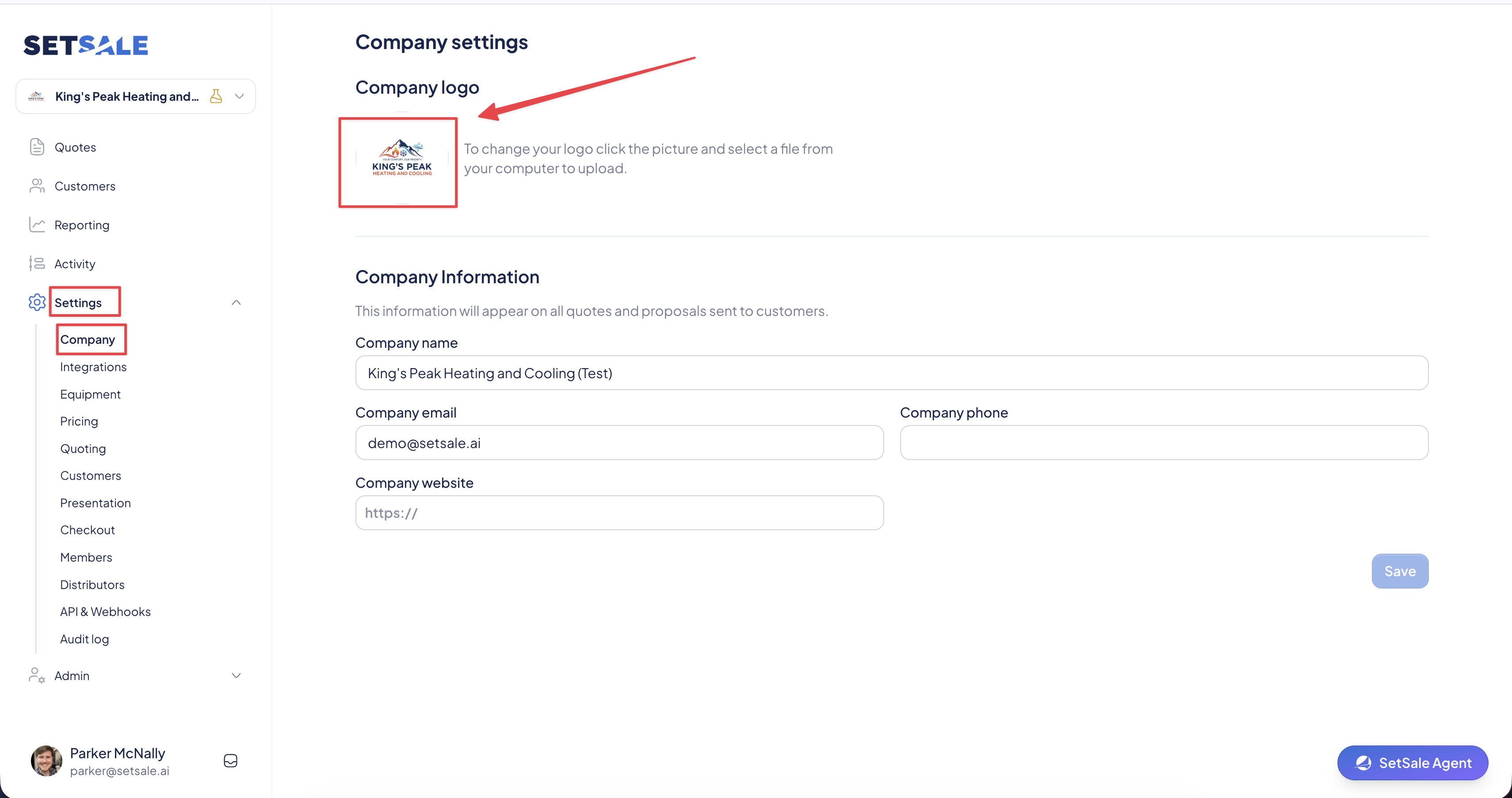
- Click on the “Settings ” tab in the navigation menu, and then select Company
- Click the picture on the left side of the “Company Logo” block. If no logo has been added yet, this will be a + sign.
- Select the file you would like to upload.
Related Articles