How to Speak Directly to the SetSale Agent Using Voice
Use your own voice to talk directly to the SetSale agent about anything in SetSale.
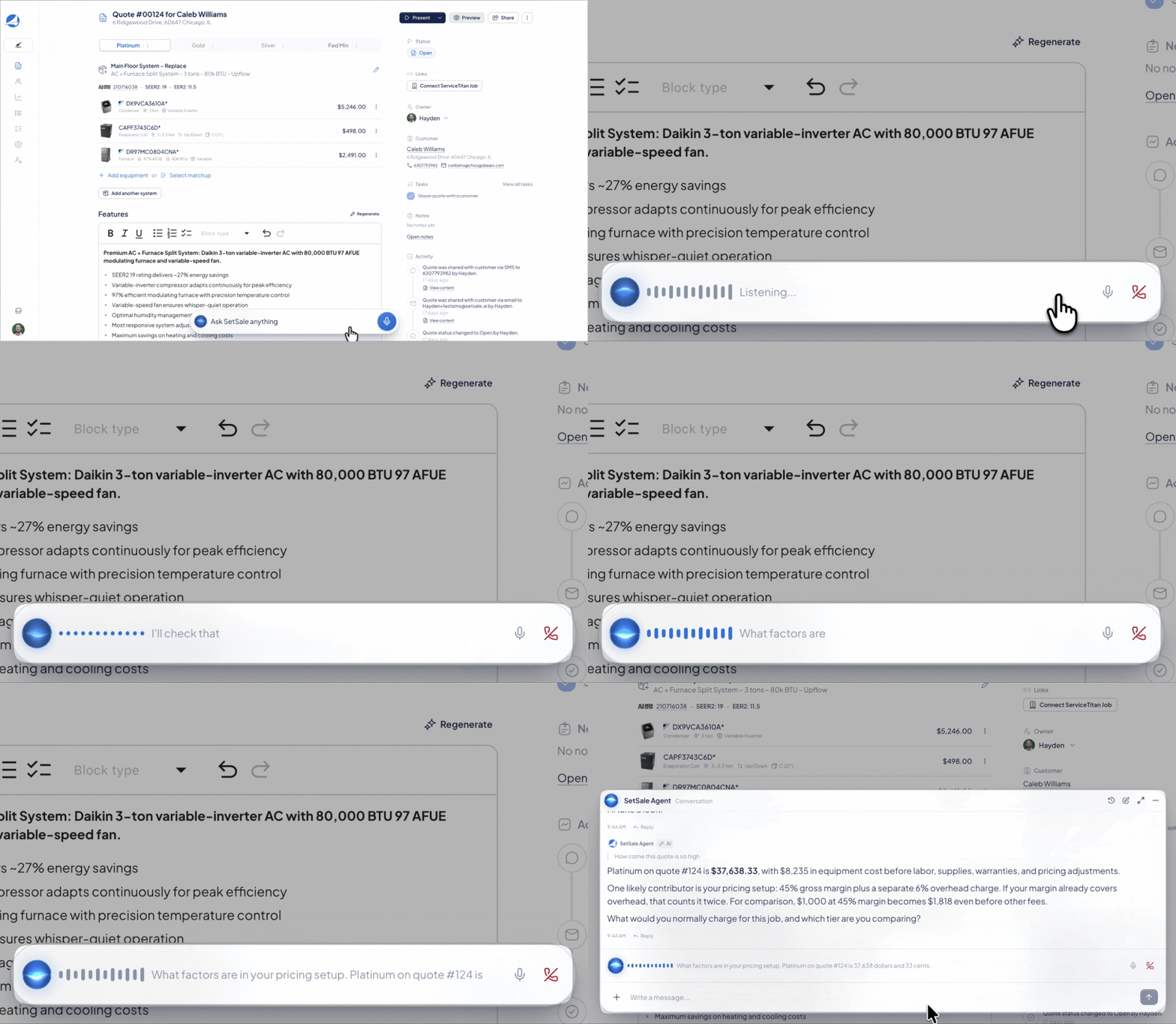
Click on the small bar at the bottom of SetSale to start speaking directly to our Agent. Open any quote or settings page you have a question about, then ask the Agent while you’re looking at it together.
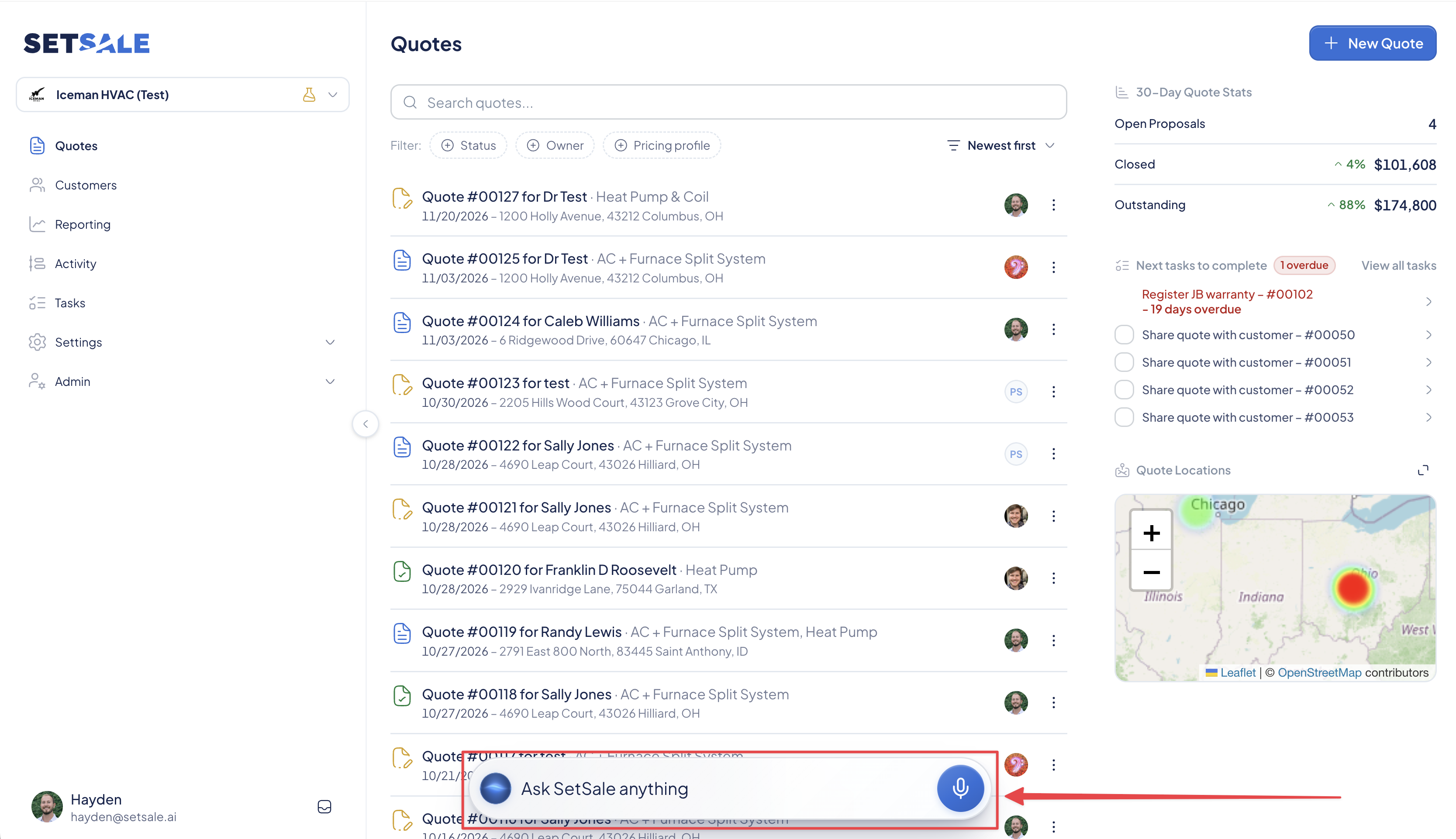
Start a conversation
- Talk live. Tap the microphone on the right side of the bar to start a call.
- Leave a voice message. Press and hold the microphone while you speak, then release it to send your message.
- Type instead. Open the bar, select Write a message, and enter your question.
Common Questions
Here are some common question categories our customers use the SetSale agent to get help with.
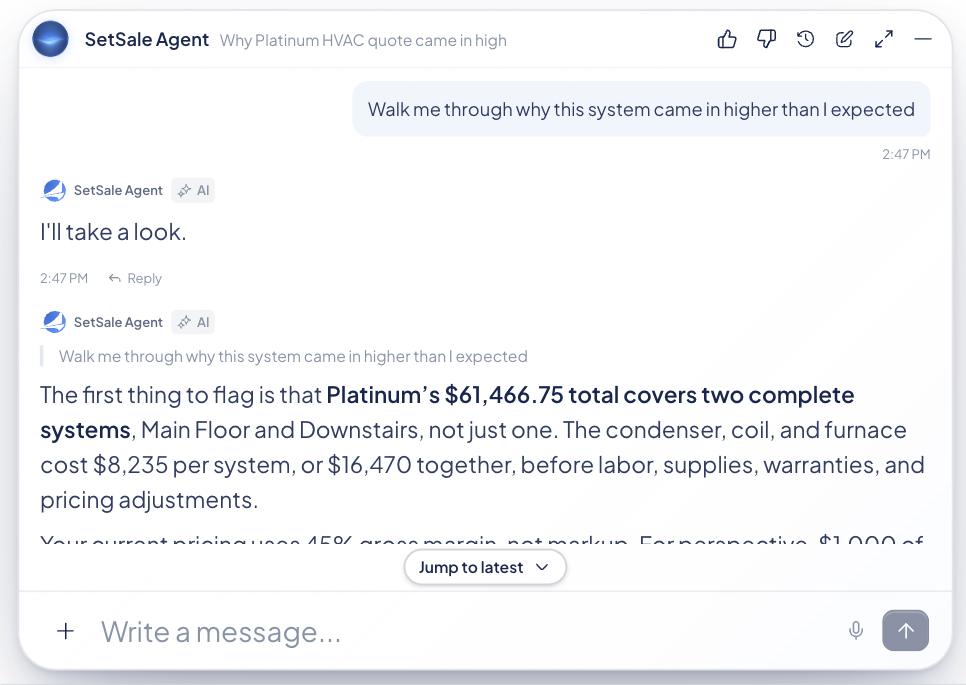
Check what went into a quote
Open the quote and select the tier you want to check. Ask “Can you walk me through why this system came in higher than I expected?” If one part of the breakdown looks off, follow up with a specific question like “How many hours of labor are included?”
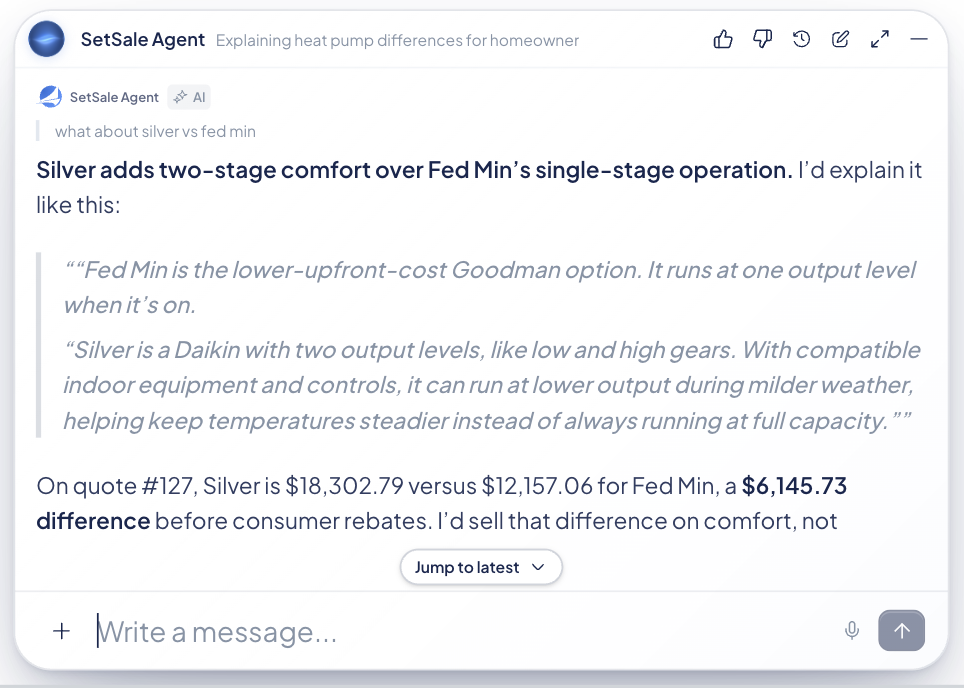
Explain the difference between two pieces of equipment
With the quote open, tell the Agent which two options you’re comparing. Ask “How would you explain the difference between these two heat pumps to a homeowner?” To make the answer more useful for your appointment, ask “What would the homeowner notice on a hot afternoon?”
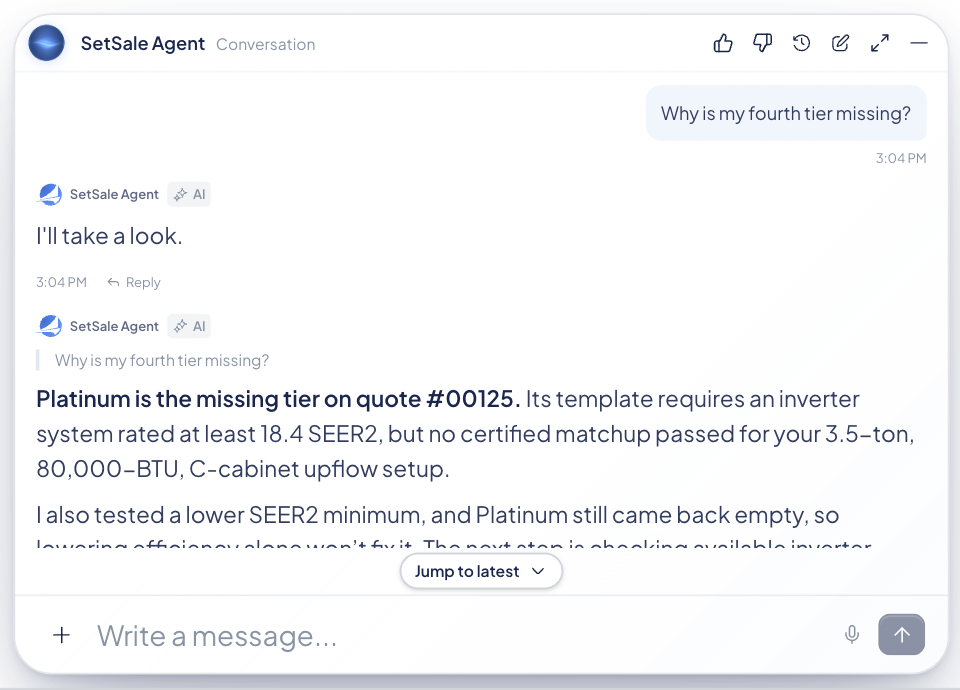
Find out why a quote tier is missing
If you expected four options and only see three, open the affected quote and ask “Why is my fourth tier missing?” Follow up with “Which equipment matchup should I check first?” Use the answer to narrow down what to review in the quote or its system template.